Data Recovery Software
Partition Manager Software
Data Backup Software
Data Security Software| Join Our Newsletter |
Free Backup Software - EASEUS Todo Backup enables you to clone the entire disk fast both in windows and bootable CD. It can backup your system partition to image to quickly get the system up and running in the event of a system crash or hardware failure and allows you to restore after viruses attack, unstable software download, and hard drive failure. Meanwhile, EASEUS Todo Backup works with Windows systems, like Windows 2000 Professional/XP/Vista/Window 7 and Windows Server 2000/2003/2008 and can create bootable CD.
EASEUS Disk Copy is a potent freeware providing sector-by-sector disk/partition clone regardless of your operating system, file systems and partition scheme by creating a bootable CD. The sector-by-sector method assures you a copy 100% identical to the original. Disk Copy can be used for copy, cloning, or upgrading your original small hard drive to a new larger drive. Simply speaking, it can copy anything from the old hard drive including the deleted, lost files and inaccessible data. So, the freeware is a perfect tool for Data Recovery Wizard to recover files from a backup disk.
Do you want to copy faster than EASEUS Disk Copy? Do you want to copy under Windows OS? Why not try EASEUS Partition Master which offers fast file-by-file copy, efficient disk copy and partition copy. After copy files, you may manage your partition with more advanced features, such as extend system partition without reboot to maximize computer performance and better manage the hard disk usage without destroying data. It supports Resize/Move, Create, Deleted and Format, Hide and Unhide partitions etc in Windows Operating System. Moreover, EASEUS Partition Master offers Partition Recovery function to recover files lost due to accidental format, deletion, partition loss, partitioning error, hard disk crash, RAW file system, virus attack, etc. Read more...
Upgrading hard disks
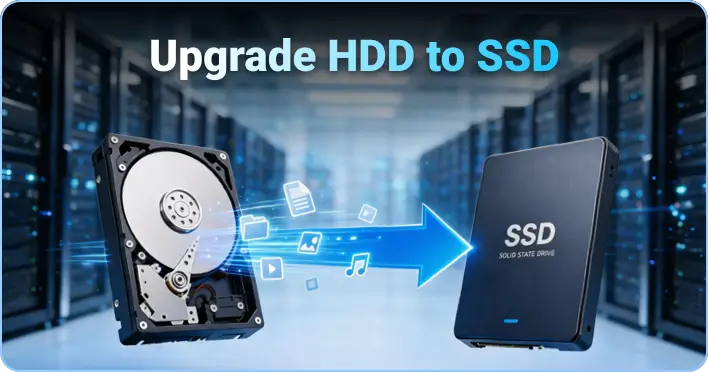
Disk Copy is specially useful if you want to replace the older smaller hard disk by a newer larger hard disk without having to install the Operating System and applications once again. The media used as destination should be of the same size as the source media or larger to ensure that all data will be copied.
Data rescue
In case of hard disks with defective areas it is especially important to back up data to an intact medium before starting any recovery attempts because the recovery procedure may cause further defects resulting from the inherent exposure of this procedure, while the physical copying of Disk Copy causes much less exposure than any other usage due to its linear operation. After backup, you can perform a recovery on the destination medium without having to fear any further damages. To recover lost data from the hard disk, Data Recovery Wizard is recommended.
"A fast, effective tool for quick drive copying. I haven't cloned a full drive with it, but according to reader Jason, it copies files significantly faster than previously mentioned HDClone."
Reviewed by Adam Pash
"Are you upgrading to a larger hard drive? Take your data with you! This program will create an exact copy of your hard drive. It includes your operating system, applications, preferences, settings and vital data. You're basically cloning your drive!"
Try and find more powerful features of Disk Copy. If the features you need is not listed above, please tell us.
Copyright © 2005-2010 CHENGDU YIWO Tech Development Co., Ltd. ALL RIGHTS RESERVED.